
Meeting transcription
Listen and discuss. Oudden records the conversation.
Record calls and in-person meetings. Oudden turns speech into text during the conversation, so you can return to the details later.
- Free meeting transcription
- No meeting bot
An example transcript from a team meeting.
For meetings in any format.
A video call, a meeting room or a mix of both — keep the conversation together.
Oudden captures your microphone and the audio from your computer. It does not join the call as an extra participant.






And other apps with audio on your computer.

Keep the next meeting in view.
Connect your calendar to see upcoming meetings in Oudden and get a reminder before they start.
Open the meeting note from the notification. You choose when to start recording.
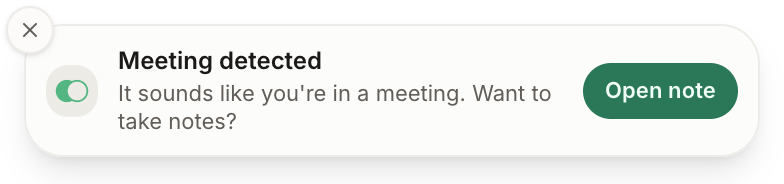
The meeting ends. The work continues.
Return to the transcript, copy a passage or export the text. When you need a concise recap, choose a template and create a note from the conversation.
Edit the result and prepare it for your team. The original transcript stays available for checking the details.
- Decisions and agreements
- Next steps
- Questions to follow up on
A note created from the same meeting transcript.
Your conversation is processed on your computer.
Oudden recognises speech locally, without sending audio to a transcription service.
A few things to know
- Which meeting apps does it work with?
- Oudden captures computer audio, including calls in Zoom, Google Meet, Teams and browser-based meeting apps. No separate meeting bot is needed.
- Can I record an in-person meeting?
- Yes. Use your computer microphone or an external microphone. Place it so everyone can be heard clearly.
- What is included for free?
- Meeting transcription is free and has no minute limit. AI notes and chat have their own plan allowances.
- Compare plans